Setting Up Your Favicon
- Format: ttf
- License: CC0
Follow the steps below to set up your Favicon:
- Create your favicon using the best methods for sizing.
- Your favicon should be exported as a PNG and should be a square
-
Proper sizes are as follows: 16x16 pixels, 32x32, 48x48, 192x192, and 512x512 pixels.
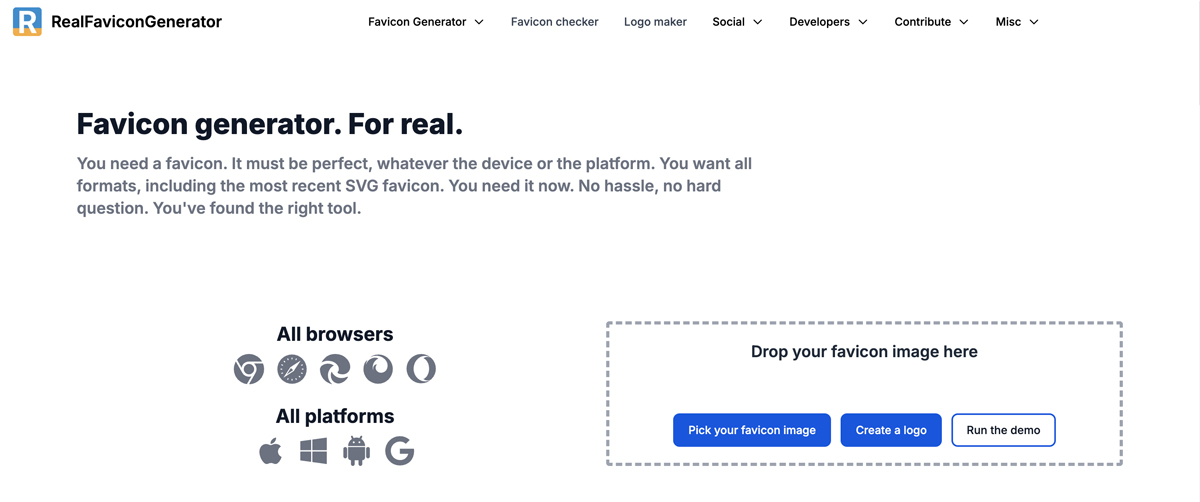
- Go to www.realfavicongenerator.net to generate all of your favicon files.
-
There are options to customize favicon styles for each application.
-
- Create a favicon folder in the template and place files from realfavicongenerator.net inside.
- Each template can have its own favicon folder.
-
There will be generated '.color' files which can be set to different colors.
- Check to make sure that your favicon is live.